In-home tech help · La Jolla & San Diego

Nobody here is going to make you feel foolish.

Patient, in-home help with your phone, tablet, computer, email and photos. We sit down beside you and we go at your speed.

Call any time. If we don't pick up, leave a message — we return every call. Usually the same evening, always within one business day.

Text too small? Make this page bigger:

Sound familiar?

If you've said any of these out loud, you're in the right place.

  • “My phone rings and I can't hear it. I don't know what I pressed.”
  • “It says the storage is full and I don't know what that means.”
  • “I got a text saying my account was suspended. Is that real?”
  • “My daughter set it up and now I'm afraid to touch anything.”
  • “I have five hundred photos and I can't find the one I want.”
  • “The doctor's office keeps telling me to check MyChart. I don't know what MyChart is.”
  • “I asked my grandson and he fixed it in four seconds without telling me how.”

What we help with

Whatever's on the table, we'll look at it.

There is no such thing as a question too small. If it's bothering you, it's worth a visit.

Your phone & tablet

  • Making the text bigger and the ringer louder
  • Why your phone went silent (it's usually one setting)
  • Voicemail that actually works
  • Silencing the spam callers
  • FaceTime with the grandchildren, start to finish

Photos

  • Finding the picture you're thinking of
  • Sending photos to your family
  • Clearing out what you don't need
  • Making an album worth keeping
  • Printing a photo the way you remember printing photos

Email & messages

  • Getting into an account you're locked out of
  • Taming an inbox with 12,000 unread
  • Group texts — how to leave one, how to not reply to everyone
  • Voice-to-text, if the keys are too small
  • Setting up mail on a new device

Computers & printing

  • Printers that won't print
  • Word documents, letters, labels
  • Opening the PDF the doctor sent
  • Wi-Fi that keeps dropping
  • A new computer, set up properly, from the start

Staying safe online

  • Telling a real message from a fake one
  • The grandparent scam, and how to hang up on it
  • Passwords you can actually keep track of
  • What to do if you already clicked
  • Shopping and banking without the worry

Doctors, portals & video visits

  • MyScripps and MyUCSDChart — getting in, and staying in
  • Finding your test results, and reading what the doctor wrote
  • Requesting a prescription refill without phoning
  • Linking your Scripps and UCSD records so they're in one place
  • Giving your son or daughter proxy access, if you want them to have it
  • Zoom and video visits — camera, microphone, and a dry run beforehand

Everything else

  • Streaming: Netflix, YouTube, the remote with 40 buttons
  • Zoom with the grandchildren, not just the doctor
  • Smart speakers and reminders
  • Backing things up so they're not lost
  • Whatever it is. Ask.

How it works

Three steps, and none of them are complicated.

  1. You call or write to us

    Tell us what's going on, in whatever words you have for it. “The thing won't work” is a perfectly good description. We'll figure out the rest together.

  2. We come to you

    Your table, your Wi-Fi, your device. That's where the problem actually lives, and it's where it gets solved. Most visits take about an hour.

  3. You leave knowing how

    We don't fix it over your shoulder and disappear. You do it yourself while we're sitting there, and we leave you a written note — in large print — of exactly what we did.

Our promises

You should be careful about who you let near your devices. So let's be plain.

A lot of people who target older adults look friendly and helpful. We know that, and we'd rather say the quiet part out loud than have you wonder.

  • We will never ask you to pay with a gift card, a wire transfer, or an app. Nobody legitimate ever will.
  • We will never call you out of the blue and tell you something is wrong with your computer.
  • You type your own passwords. We don't write them down, and we don't keep them.
  • You'll know the price before we start. If we can't help you, you don't pay.
  • You're welcome to have a family member on speakerphone for the whole visit. We like it when you do.

What it costs

No packages, no contracts, no surprises.

One rate, told to you on the phone before we ever knock on the door.

$100 The first hour

We sort out what's urgent, fix what we can, and leave you a written note — in large print — of what we did.

$50 Each half hour after

Only if you want to keep going. Most visits are done in an hour. No travel charge anywhere in La Jolla.

Free Tech Help Hour

Our monthly drop-in workshop at local retirement communities. Bring your device and a question. No charge, ever.

You'll know the price before we knock on the door. If we can't help you, you don't pay. We take checks, or Venmo and Zelle if that's easier for your family.

For activities & life enrichment directors

We'll run a free Tech Help Hour at your community.

One hour, once a month. Ten minutes of a single useful topic taught to the room — how to spot a scam text, how to make everything bigger, how to find a photo — and then open troubleshooting for whoever brings a device.

Residents leave with a large-print handout. You get a program that fills the room and doesn't cost you anything. We've worked inside a senior community, so we know the difference between a good activity and one that empties out after ten minutes.

Get in touch about scheduling one — we're currently booking in the La Jolla area.

Who we are

You should know who's coming to your door.

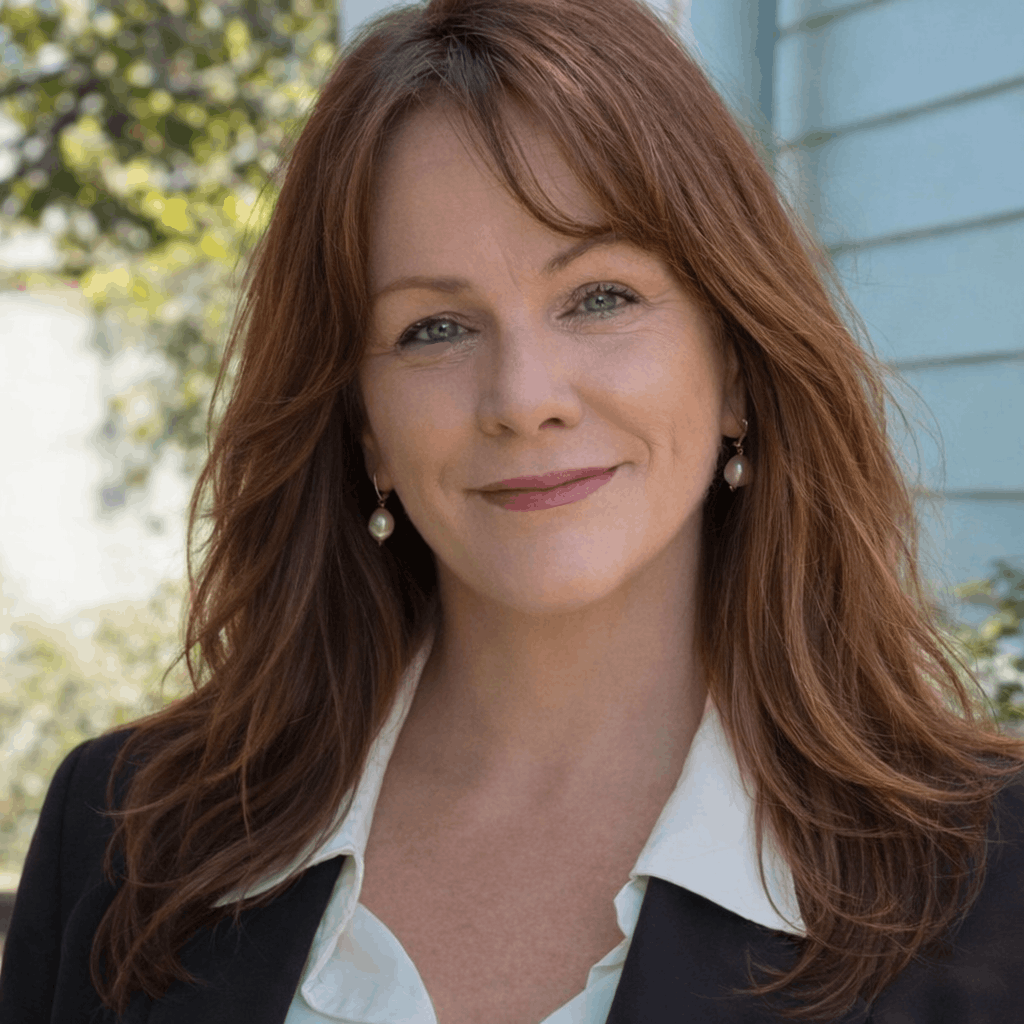
It's the two of us. Not a call centre, not a rotating cast of contractors. When you book a visit, you'll be told on the phone exactly who is coming — so we'll introduce ourselves properly.

Lana

I answer the phone. I come out for most visits.

I taught myself to write software, and then spent twenty-five years doing it — building the online stores for Ralph Lauren, Restoration Hardware and Quiksilver, among others. Most of that job was making complicated things make sense to the people who had to use them.

I learned it all the hard way, with nobody to ask. So I know exactly what it feels like not to know — and I have never once thought a question was stupid.

I work inside a La Jolla senior community now. I'm the one who picks up when you call, and I'm the one who calls you back.

Taylor

I come out for the harder visits.

You'll always be told who's coming before they arrive. If anyone ever turns up at your door claiming to be from Tech Together and you weren't expecting them, don't let them in — call us.

What people say

In their words

We'd rather show you three real ones than thirty invented ones.

[Real quote from your first client goes here. Ask them one question: “What was it like before, and what's it like now?” Their answer will be better than anything you could write.]

First name, Last initial. · La Jolla

[Try to get one from an adult child who lives out of state — they're often the one searching, and their worry is different from their parent's.]

First name, Last initial. · Daughter of a client

[And one from an activities director, once you've run a Tech Help Hour. That one unlocks every other building in town.]

Name · Activities Director

Questions

Things people ask before they call

Do you come to my home?

Yes. Your house, your apartment, or your unit in a retirement community. We work on your device, at your table, on your Wi-Fi — because that's where the problem actually lives.

What if my question is very basic?

Good. Those are our favorite ones, and they're the ones people are most embarrassed to ask. There's nothing here too small, and we will never make you feel foolish for asking.

Will you need my passwords?

Sometimes, to fix an email account or an Apple ID. You type them — not us. We don't write them down and we don't keep them. If you'd feel better changing a password afterward, we'll help you do that too.

How much does it cost?

$100 for the first hour, then $50 for each additional half hour if you want to keep going. Most visits are done in an hour. No travel fee anywhere in La Jolla, and if we can't help you, you don't pay.

Can you help my parent while I live out of state?

Yes, and it's a lot of what we do. We can arrange everything with you, work with your parent in person, and send you a short plain-English note afterward about what we did and what to watch for.

Can you help me with MyChart or MyScripps?

Yes, and it's one of the most useful visits we do. We'll get you logged in, show you where your test results live, set up prescription refills, and — if you'd like — link your Scripps and UCSD records so they're all in one place. We can also set up proxy access so a son or daughter can see your records too, if that's something you want.

If you'd rather they didn't have access, that's your call and nobody else's. We'll never set that up without you saying so.

I have a video visit with my doctor. Can you make sure it works?

Yes — and please don't wait until ten minutes beforehand. We'll come out ahead of time, check your camera and microphone, do a practice call, and write down the steps in large print so you're not fighting the technology while you're trying to talk to your doctor.

What if you don't answer when I call?

Leave a message. We return every call — usually the same evening, and always within one business day. That's a promise, not a hope. If we don't pick up during the day it's because we're sitting at someone's kitchen table, which is exactly what we'd be doing for you.

What areas do you serve?

La Jolla and the surrounding neighborhoods — Bird Rock, Pacific Beach, University City, and Del Mar. If you're a little further out, call and ask.

Get in touch

Let's get it sorted out.

The easiest thing is to call. We won't always pick up — we're usually sitting at someone's kitchen table — but we return every call. Usually the same evening, always within one business day. If you'd rather write, fill this in instead.

That last one asks three simple questions — no typing until the end — and tells you what's probably going on before you ever speak to us.

or write to us

The best way to reach you.

Only if you'd rather we write.

Who is this for?

Describe it however makes sense to you. “The thing won't work” is a perfectly good start.

We'll never share your information, and we won't add you to any mailing list.

Call (858) 000-0000